About Aviator Monkey
Leave yourself space to turn after the banana
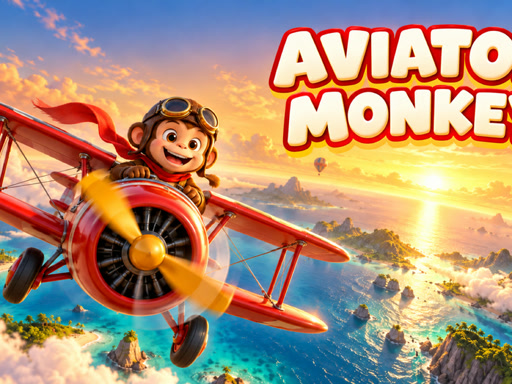
Aviator Monkey sends a flying monkey through a colorful arcade sky, where bananas and hazards can share the same small stretch of the view. Guide the monkey toward the bananas and keep the flight going for as long as you can. The game becomes more demanding as a run continues. A banana is worth lining up for when you can also see where the next movement will take you. This gives you something to decide once you know the basic steering.
Look at the shape of the open air between what you are avoiding. Choose where you would like to be a short distance ahead, then see whether a banana sits along that route. If it does, steer for it and keep looking beyond it. If the banana is at one side and would draw you toward a hazard right after the pickup, consider the space you have to come back. You can leave a banana behind and still have a run in progress when the next one appears ahead.
Make the easy part of a route repeatable
Try flying through a short early section without chasing a banana that appears far away from where you were already going. Notice whether it is easier to see where the obstacles open up. Then take a chance on one pickup during another attempt. Look for a route that carries you to the banana and leads back toward a place with room to steer. This gives you a way to compare keeping a steady direction with using a short detour when you understand its end.
If there is a lot of clear air at the opening, use that moment to see what a small movement does. A keyboard input can feel different from following the cursor. Choose the movement you can stop at the position you wanted. Then look at where the next hazard enters the view and steer early enough that you still have time to change your mind. Later in the run, good steering depends on how readable that initial move is before the screen gets crowded.
Decide about the banana from the side of the first hazard
On an opening run, look for the first visible obstacle before aiming at anything you can collect. Keep the monkey on a line through the clearer part of the sky and watch what sits beyond that obstacle. If a banana appears to one side, check whether you can collect it and still move back to the clear line. Let the banana go when it lies behind the direction you would need for the next hazard. Clearing that first pair gives you a reference for how much steering room you have before the view gets crowded.
Try the same kind of opening twice. On one run, stay with the safe line past the first hazard. On the next, take the side banana only if there is space to return beside the next obstacle. Check the score and how far the run continued. A banana increases what you collect; keeping the monkey in a usable part of the air keeps the run alive long enough to find the next one.
Switch controls only after watching a whole movement
Steer with a mouse or touch, or move with WASD or the arrow keys. Press P to pause and M to mute. Use one option on the first attempt so you can pay attention to what the monkey does as you hold or release the input. If you switch to touch, see where you can put a finger while still seeing the objects ahead. If you switch to keyboard, test which short input takes you to the line you wanted.
The flight is a good fit for working on one small goal at a time. Start with reaching a stretch you remember and getting through it without a late steering correction. Then look for a banana you can collect on the same route without changing the part that already works. Survival and pickups can improve together once you see where the ride is taking you.
Game credit on GameMonetize · contentaimodels24











