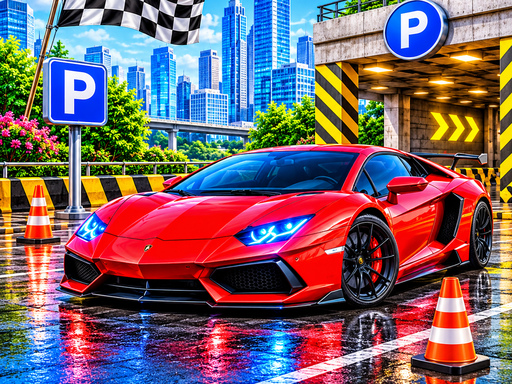
About Apex Sports Parking: Mega Drive
Try to park the sports car in one clean approach. When you miss the opening, stop the car and work out what the camera can tell you about the mistake. A low car can look close to a barrier when the front corner is clear, and an apparently generous opening can leave little room for the rear once you turn. Apex Sports Parking: Mega Drive is a chance to learn where the whole car will go while it’s moving slowly enough to make decisions.
Practice bay: a turn with a barrier on the inside
Choose a marked space that you need to turn into. Roll toward it slowly enough to stop on the approach. Keep some room between the car and the barrier on the inside. Starting immediately beside it puts the nearer corner of the car very close to the obstacle the moment you turn. While you can still see the opening ahead, pick a point at which the entrance is roughly ahead of your front quarter and start the turn in one measured movement. Treat the first attempt as a way to find the starting point. You will get more from it if you remember where you began the turn.
If the nose heads toward the far line before the car is aligned, stop. See whether you can straighten and roll back into the approach you just checked. Use that space to start again from a wider position. With the car pointing along the bay, drive a short distance, stop again and compare its sides with the markings. Once you’re parallel, let the car finish in a straight line. This gives you a useful stopping point for the next bay with a similar shape.
Use C when you have a specific blind spot
On the course approach, a view of the road ahead helps you see the turn before you’ve reached it. Stop near the bay and press C if the default angle hides the front corner. Compare the new view with the barrier you were trying to clear. When backing out, choose the angle that gives you a view of the rear and the line you are reversing along. You get more from a camera switch made while stationary. The car stays in place long enough for you to identify which object was hidden and how close it is. Return to a view you understand before continuing down the course.
Diagnose the first mistake you saw
- Front corner clips the outer barrier. Look at whether you started turning after passing the entrance. Try starting earlier while preserving the width of your approach.
- Inside clearance disappears as you turn. Back out and leave more space on the inside before the next attempt. Slowing down makes contact easier to avoid, but gives you no extra turning room on its own.
- Car ends up diagonal between the lines. Stop while there is room to move. Pull out until you can straighten the car, then use the markings to line up the last few meters.
- You pass the stopping point. Come in with less throttle and make the last movement in two short sections. Compare the position of the bumper with the edge of the marked area after the first section.
Use W or Up to accelerate, S or Down to brake or reverse, and A/D or Left/Right to steer. Space operates the handbrake. Start near an open section and give the car a short input before any tight work. Watch how far it moves and how sharply it turns at the speed you plan to use. If the camera changes how close the markings appear, repeat that small movement from the new view before attempting a full maneuver. Once you can put the car in the bay from a deliberate starting point, try it without the intermediate stop. A run that gets simpler as you learn the space is the kind of improvement worth tracking here.
Game credit on GameMonetize · CozyFox











